
My AI Toolkit
I make little things for my own life. These are the tools I reach for, what I get out of each one, and how you could try the same thing with what you already have.
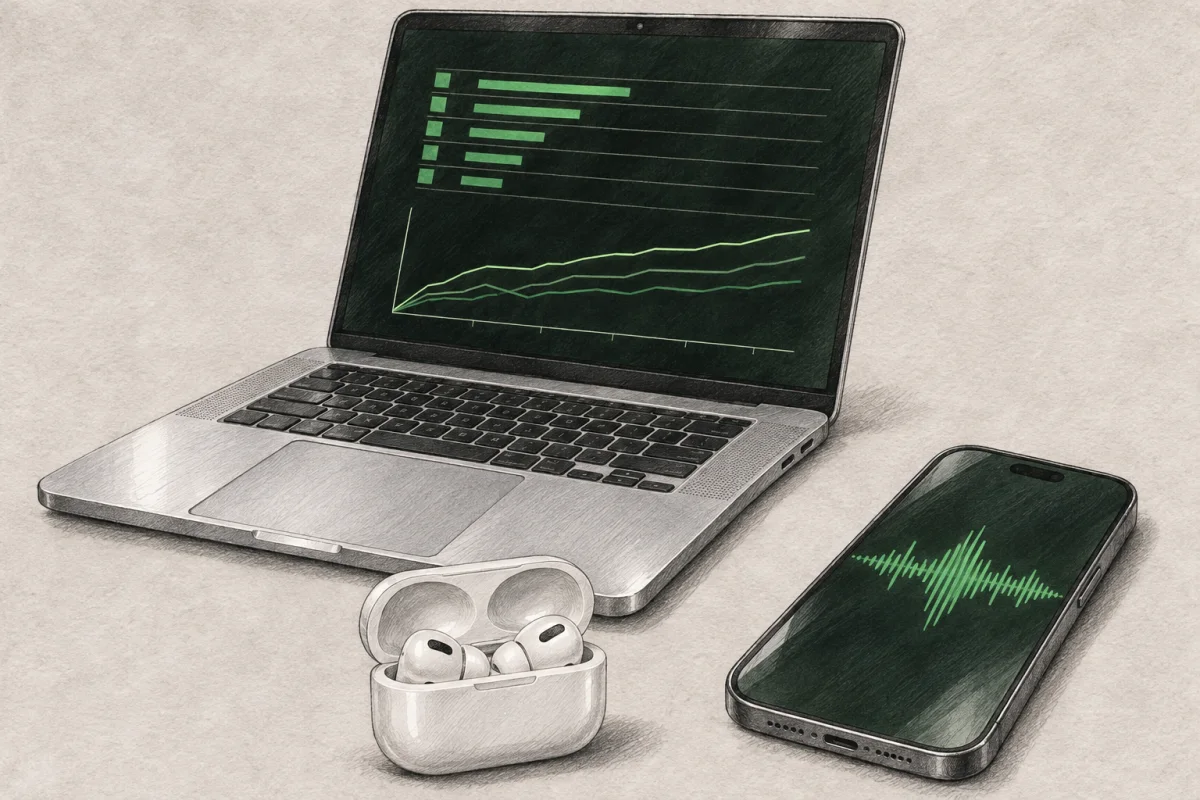
Three ways I use my voice
My setup
I talk through an idea with AirPods and Monologue on my MacBook Pro or iPhone. I can read the thought back and edit it before I send it.
What else works
Try the microphone and built-in dictation on your phone or laptop. Speak into the prompt box, then make a pass for filler and names it misheard.
“Okay, so after a race, I always end up opening a bunch of tabs. I want one page with the Formula One standings. Drivers and teams, and show me who moved up or down since the last race.”
Browse by job
Capture something
Get an idea out of my head
I talk through the messy version first. Monologue turns that into a prompt I can read and edit.
Another way in. Try the microphone on your phone's keyboard. Read the text back once before you send it.
Keep a decision from a call
I use Granola on calls so I can look up what we decided and how we got there.
Another way in. Write down the decision and the next step as a meeting ends. Those two lines can be enough.
Recall a detail from earlier in the day
Bee is an optional extra for conversations away from my desk. It gives me something to look back at when a passing thought turns out to matter later.
Another way in. Record a short voice memo on your phone when something is worth keeping. You'll have your own account of it, in your own words.
Think it through
Turn a rough thought into a plan
Make it and try it
Build a first version I can use
A coding assistant can work in my project files while I try the result. This is how my fantasy draft assistant started.
Another way in. For a small idea, ask a chat assistant for a single HTML file you can open in a browser.
Try it the way someone else will
I want to see what happens when someone taps the link or runs the app on their phone. A browser check and a device test answer different questions.
Another way in. Open the link yourself, complete one task, then try the same thing on your phone.
Give an app a voice
For Lope, I turn lines like a split announcement into audio clips that can play over a runner's music.
Another way in. Record a few lines in your own voice. For a small set of cues, that may be all the audio you need.
Give a tool real data
My F1 page reads race results from Jolpica. A Python script can then give every viewer the same standings.
Another way in. Start with one race in a spreadsheet. You can check your scoring before connecting a data source.
Save the work
Keep files I can come back to
I keep project files and notes in repositories on GitHub. I can open a previous version and see what changed.
Another way in. A folder with dated copies works for a first pass. You'll need to track which copy is current.
Recipes
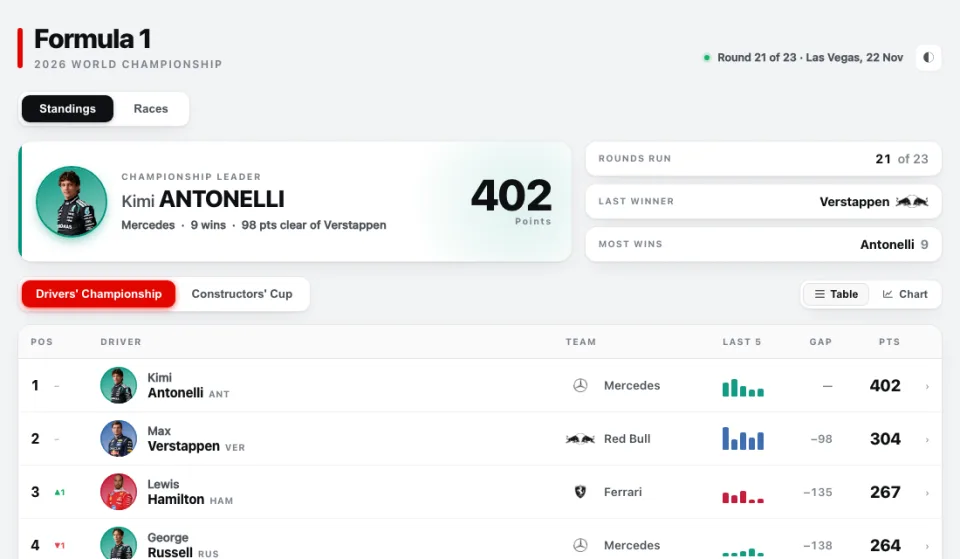
Make your own F1 standings page
Turn the latest driver championship results into a page you can open on your laptop. Give it a web address and let it refresh after race weekends if you want.
Open recipe